Story of the Day Learn languages through stories

App flow

A day with Story of the Day, start to finish.

Six simple steps turn a few minutes of reading into real language practice — set up once, open your daily story, read it with native-language support, listen and answer, play a word game, and watch your progress grow.

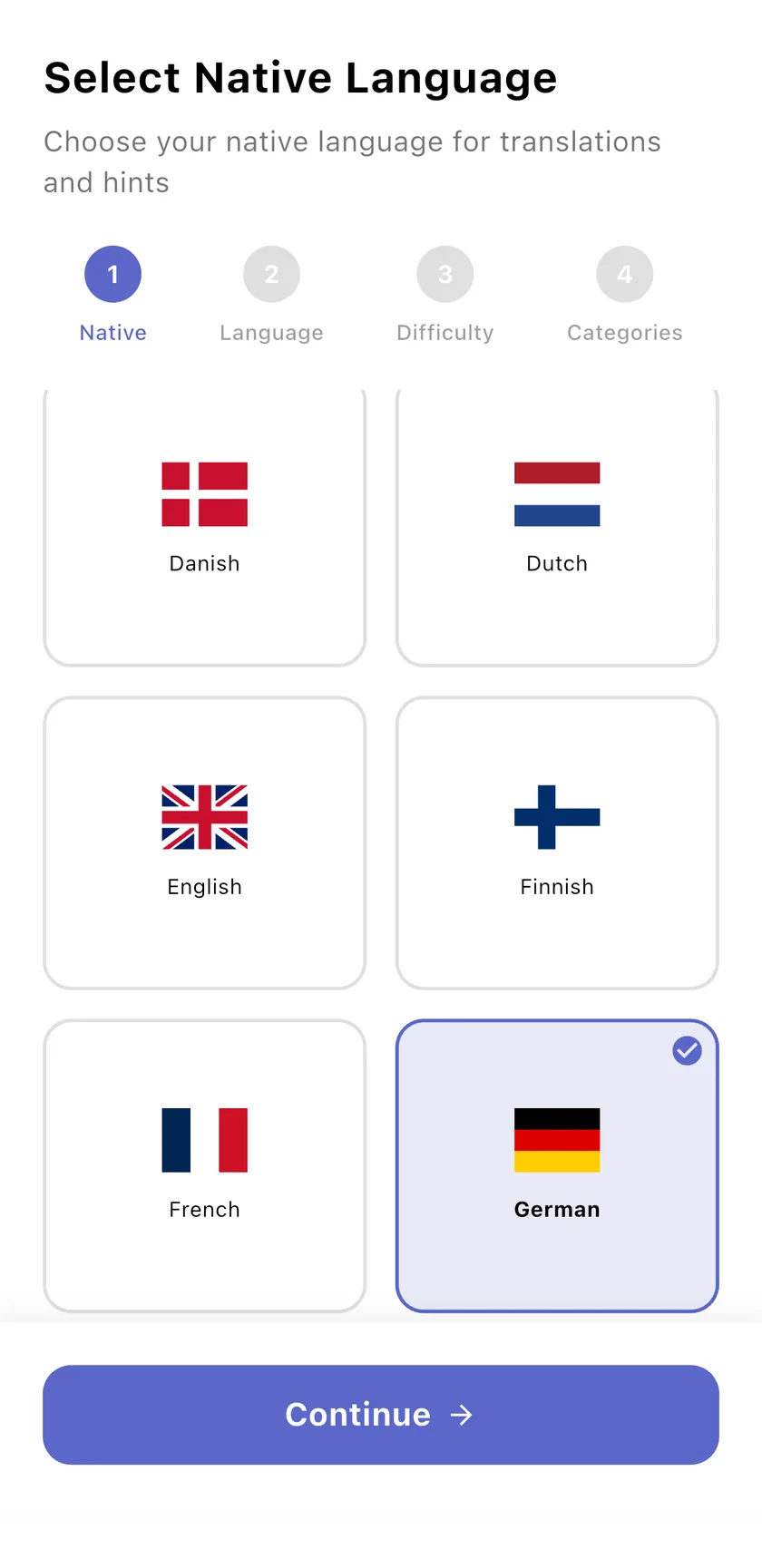
Select native language screen

In motion

The whole loop in thirty seconds.

Real app screens. Pick a chapter to jump to it, or scroll on for each step in detail.

    Prefer a video file? Download the walkthrough (MP4).

    1

    Set up in four taps

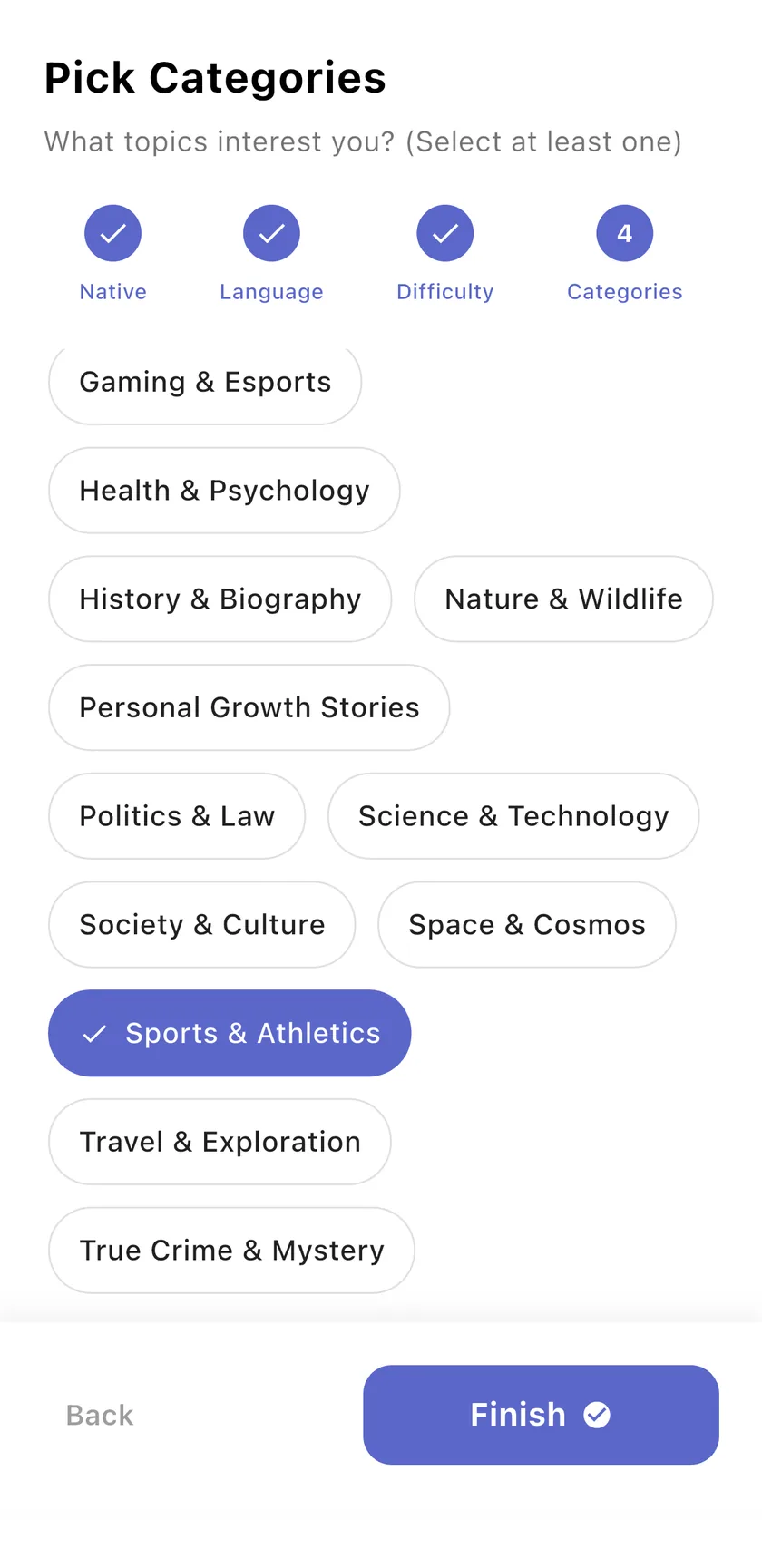
    Tell the app who you are once: your native language for translations and hints, the language (or languages) you want to learn, your level and the topics you enjoy.

    • 14 languages to learn, translations in your own
    • Beginner (A1–A2), Intermediate (B1–B2), Advanced (C1–C2)
    • 15+ categories, from History & Biography to Sports
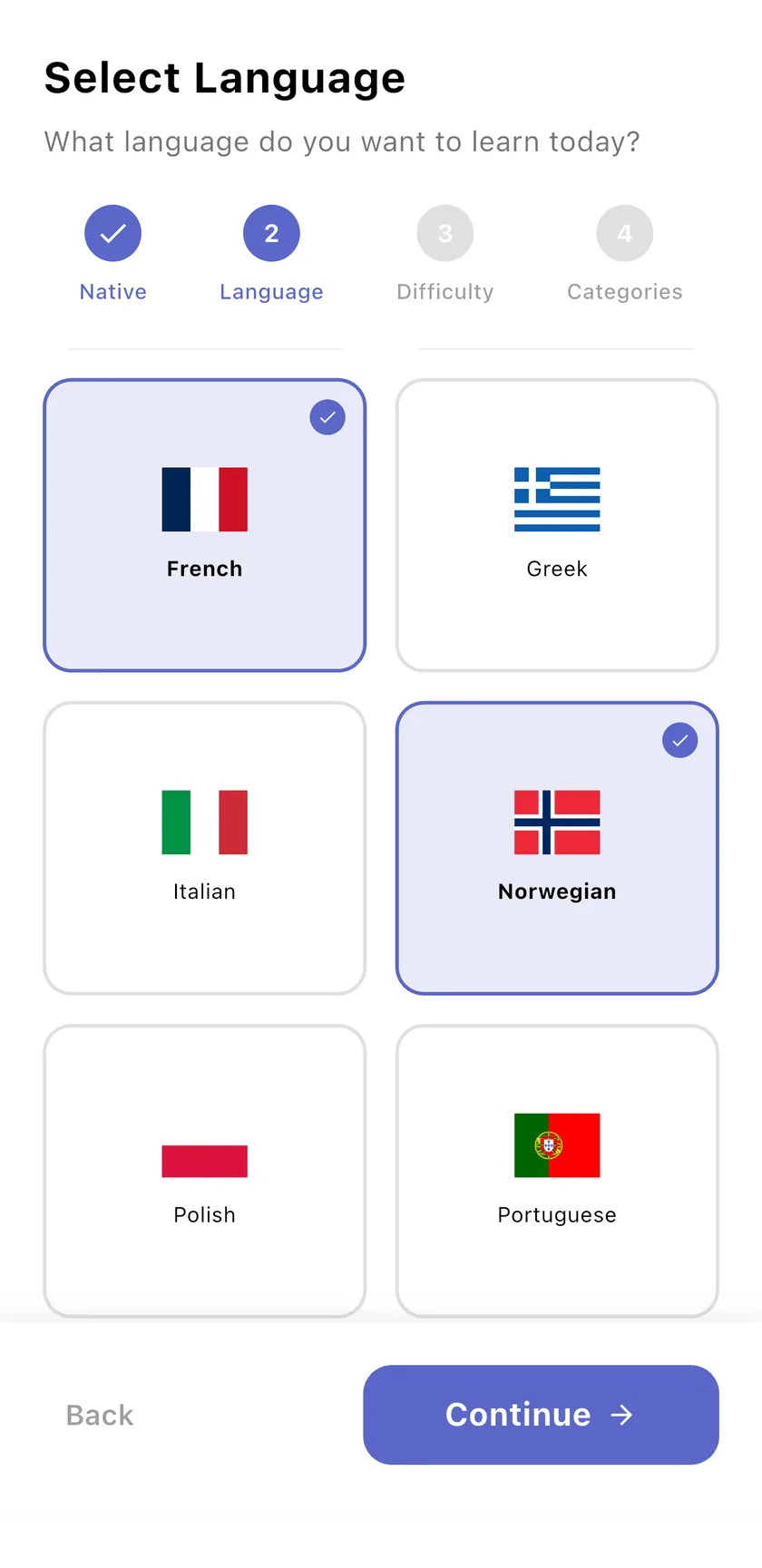
    Onboarding: French and Norwegian selected as languages to learn
    Onboarding: pick at least one category, Sports & Athletics selected
    2

    Open your daily story

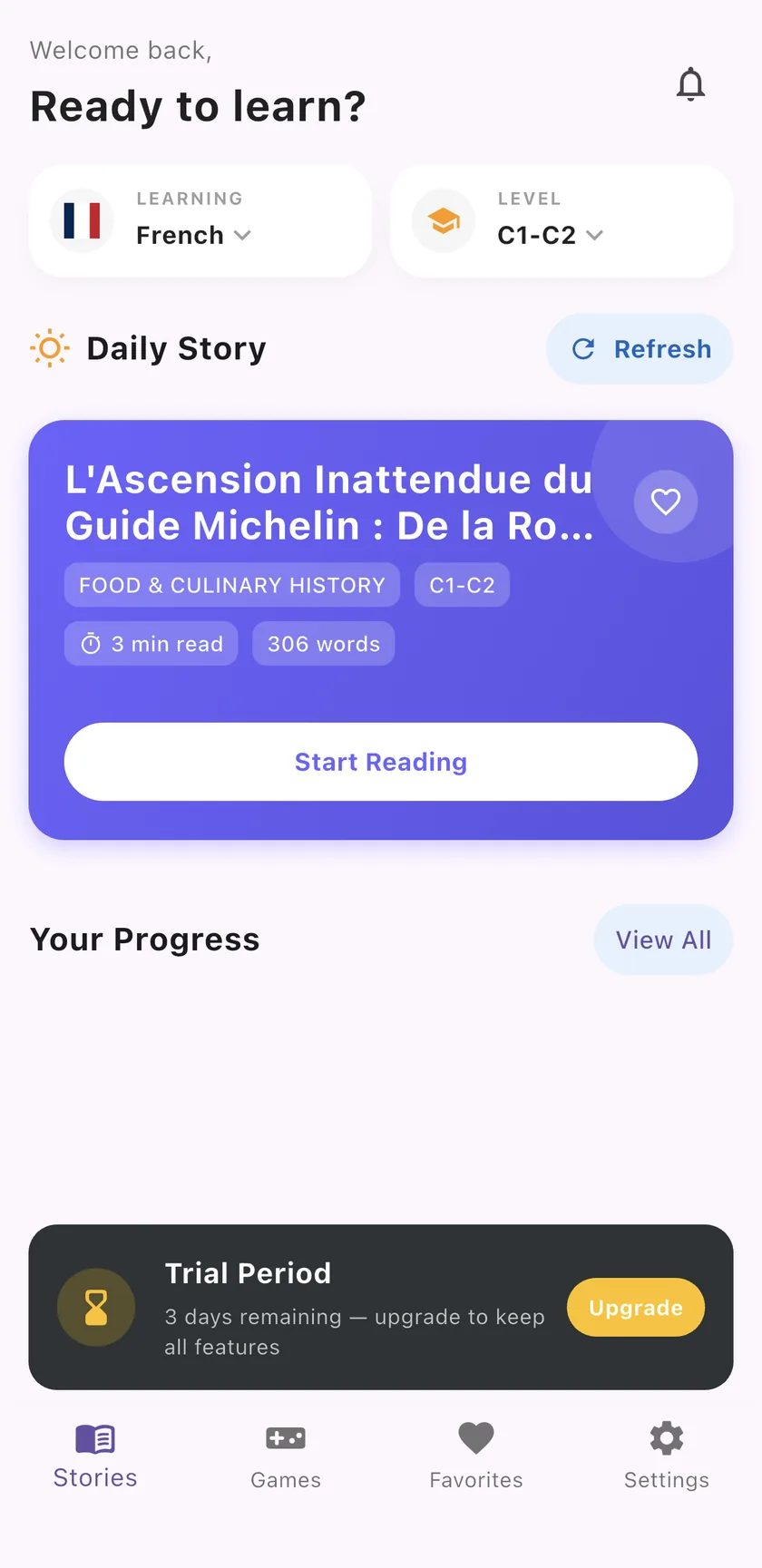
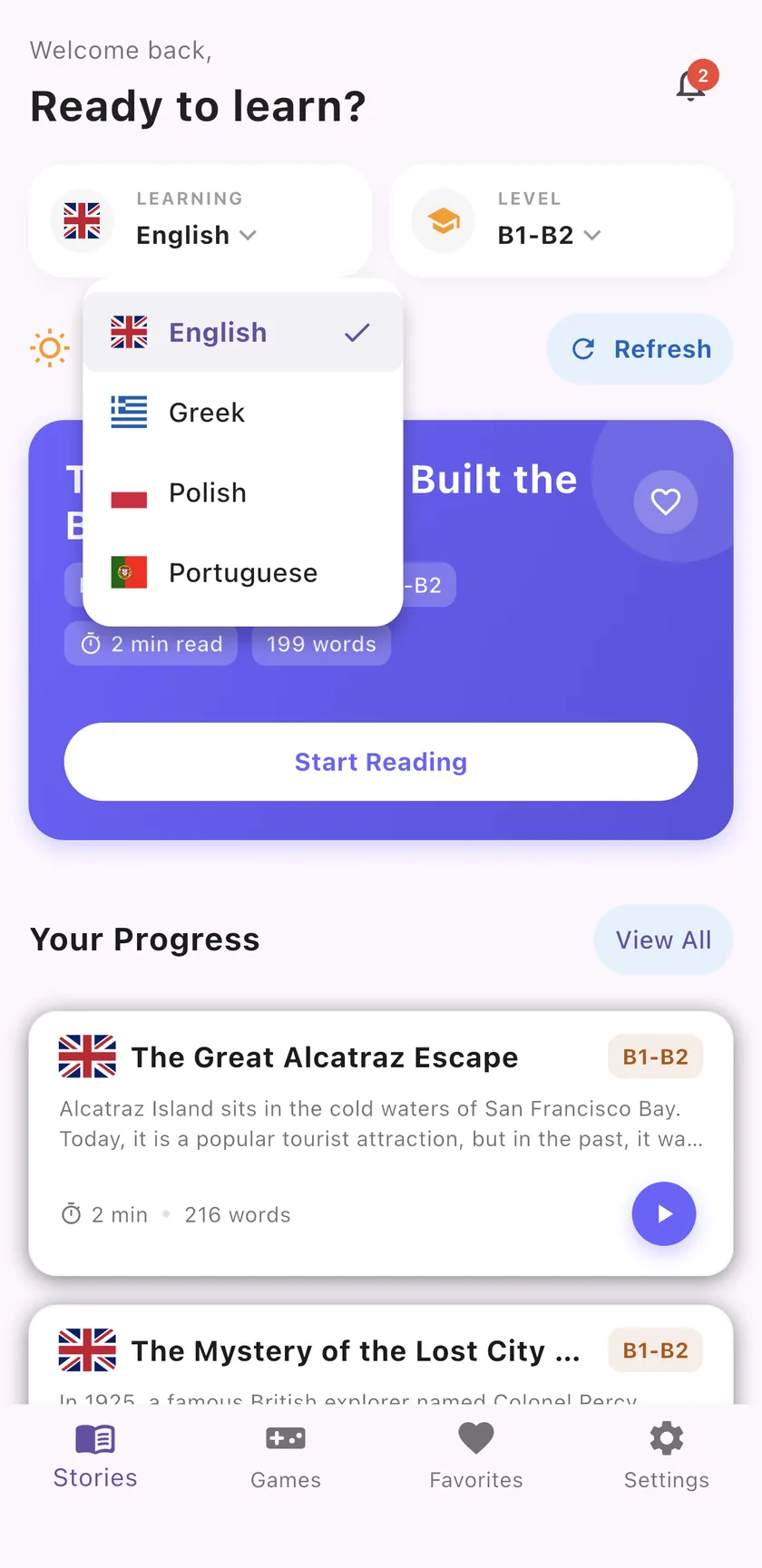
    Today's story is waiting on the home screen, with its category, level, reading time and word count. Switch the language or level from the two cards at the top whenever you like.

    • A new story every day
    • Switch between your languages in one tap
    • Recent stories stay in Your Progress
    Home screen with a French C1–C2 daily story
    Language menu on the home screen with English, Greek, Polish and Portuguese
    3

    Read with native-language support

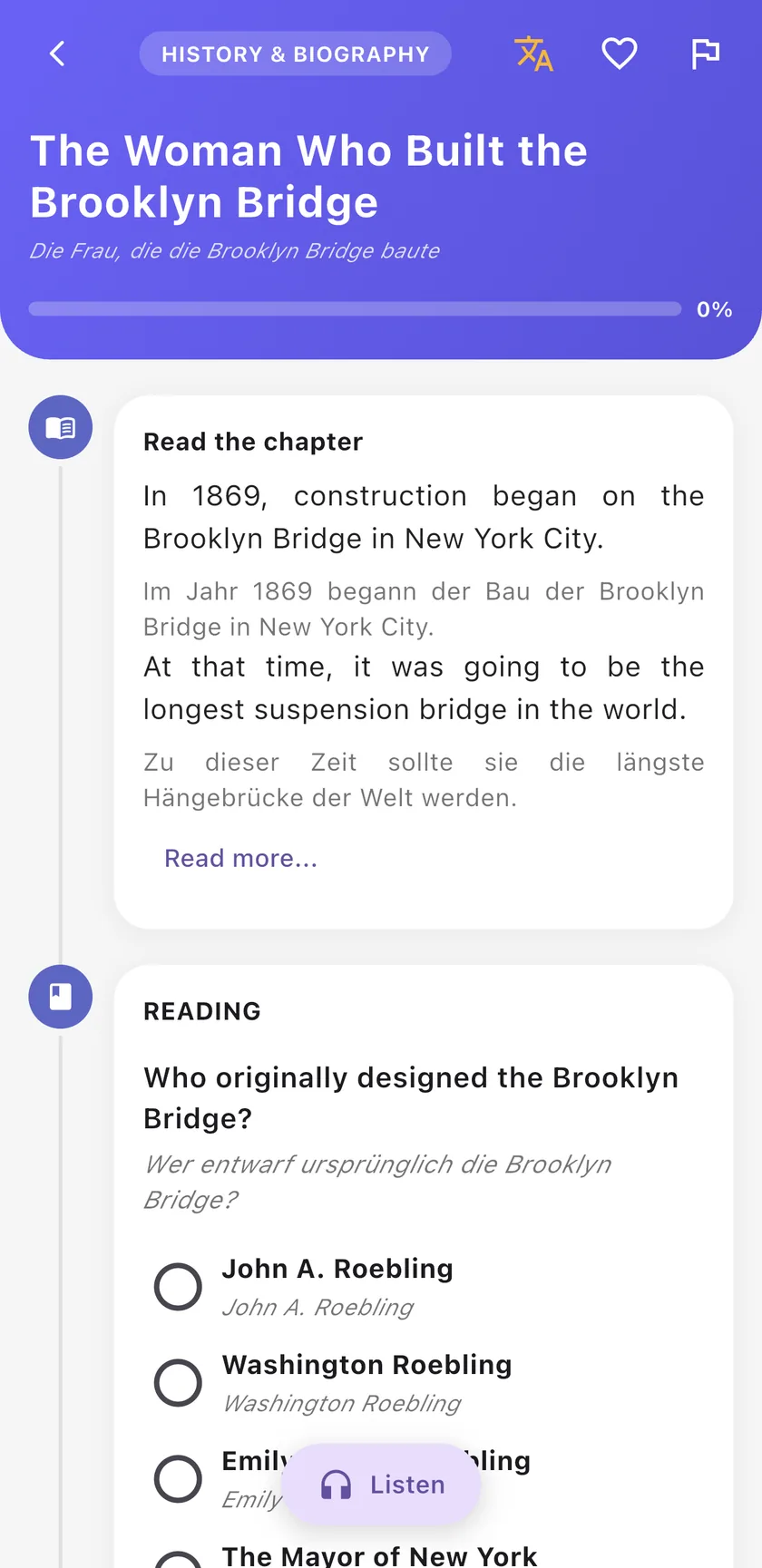
    Read the chapter at your own pace. Tap the translate button to show each sentence in your native language right under the original, and tap again to hide it.

    • Sentence-by-sentence translations
    • Stay in the flow of the story
    • Save a story to Favorites with the heart
    English story with German translations under each sentence
    4

    Listen, then answer the questions

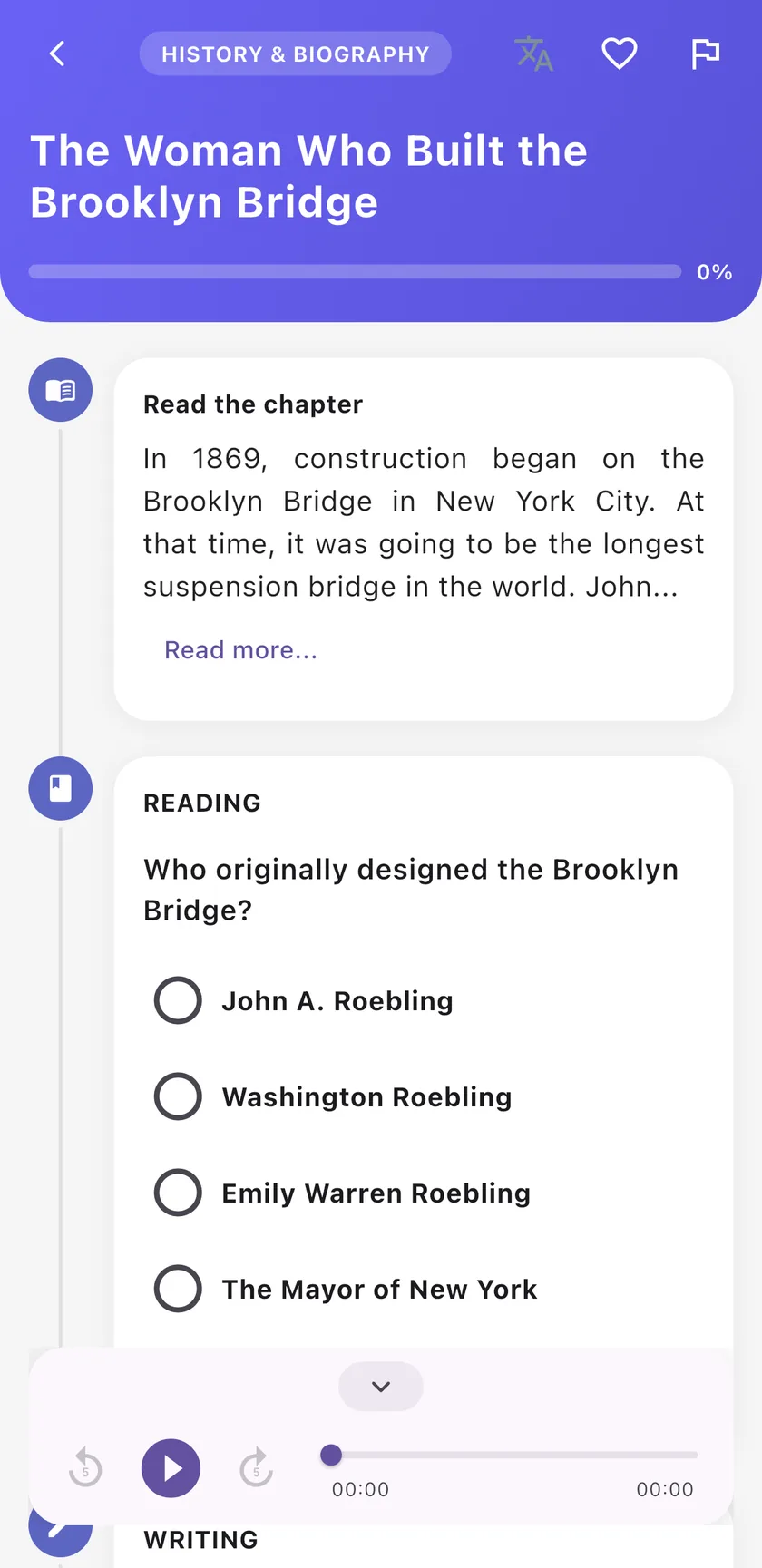
    Hit Listen to hear the story read aloud with a player you can pause and rewind. Then work through the reading and writing questions to check what you understood.

    • Audio narration with 5-second skip
    • Reading and writing questions after every chapter
    • Your progress bar fills as you go
    Story screen with the audio player open and a reading question
    5

    Play word games

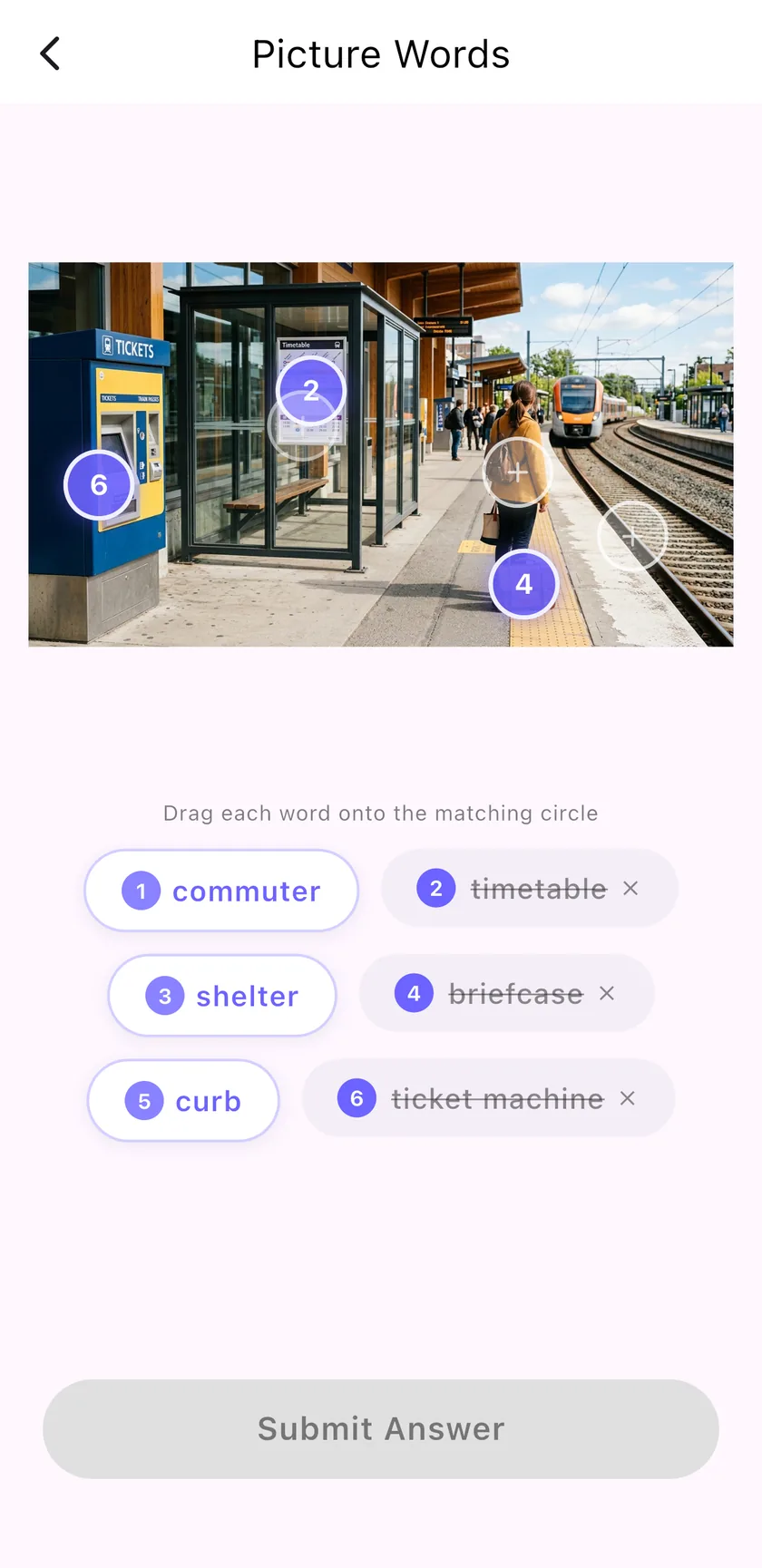
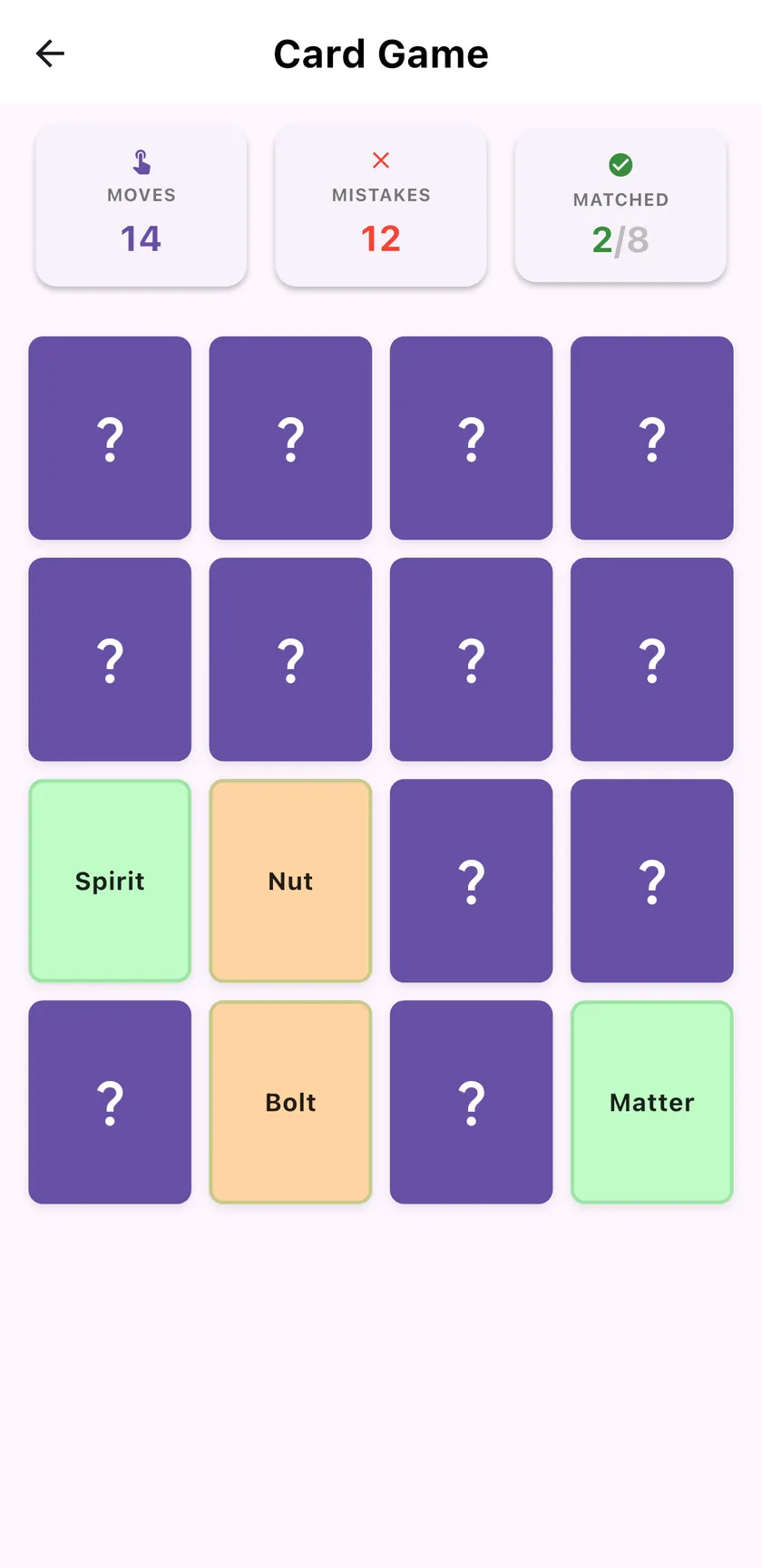
    Games turn new vocabulary into something you remember. Drag words onto the right spot in a photo in Picture Words, or match pairs from memory in the Card Game.

    • Picture Words: six words, one real scene
    • Card Game: moves, mistakes and matches tracked
    • Rate each round so the content keeps improving
    Picture Words game with words to place on a train station photo
    Card Game memory grid with matched word pairs
    6

    Track progress and build the habit

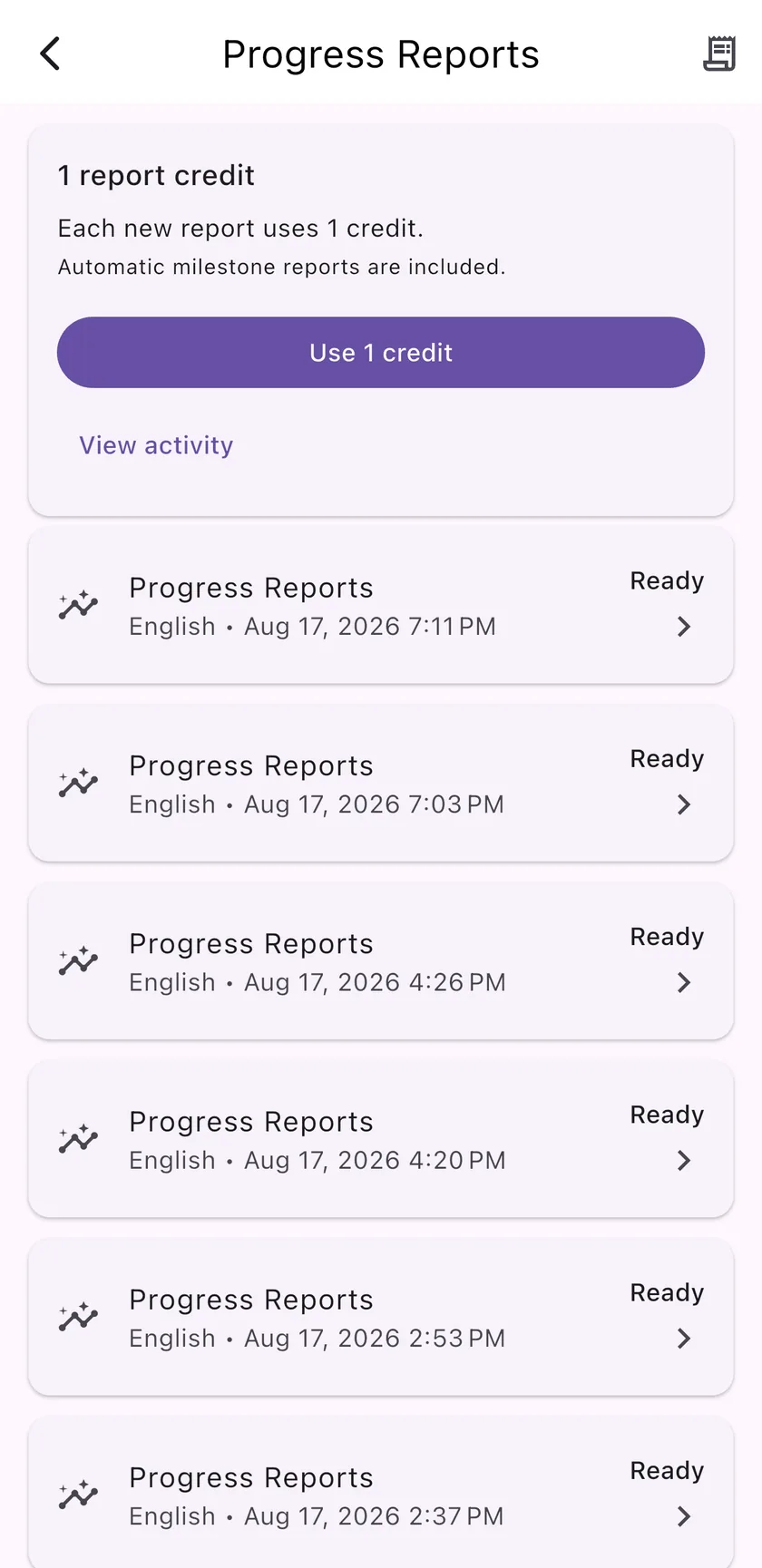
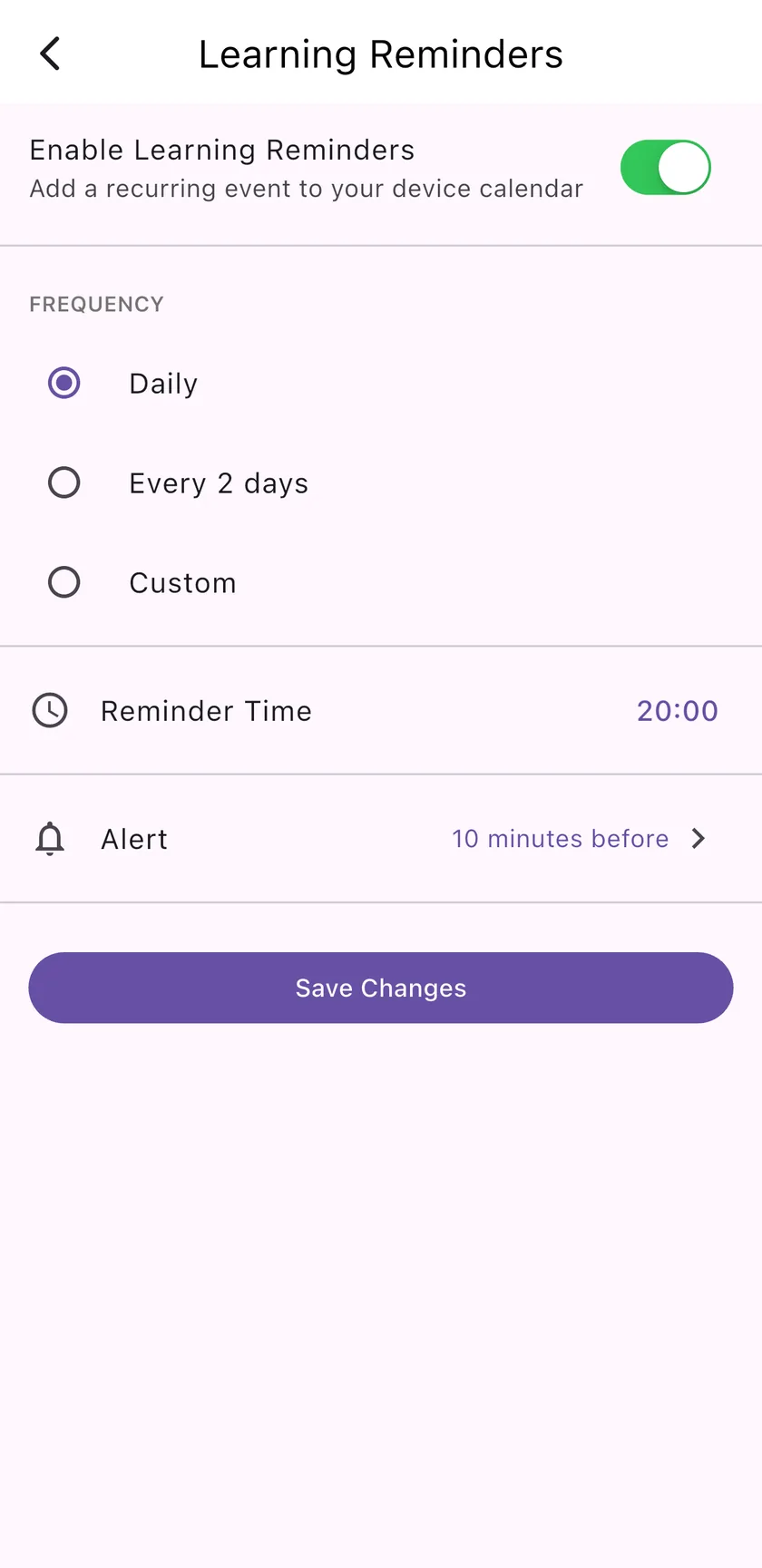
    Automatic milestone reports show how far you have come, and you can request a new report any time. Add a learning reminder to your calendar so tomorrow's story doesn't slip.

    • Progress reports in your language
    • Daily, every-2-days or custom reminders
    • Notifications when new story audio is ready
    Progress Reports screen with ready reports
    Learning Reminders set to daily at 20:00

    Get started

    That's the whole loop — try it with today's story.

    Story of the Day is built to help people practice a little every day with stories, quizzes, games, favorites, and clear feedback on progress.